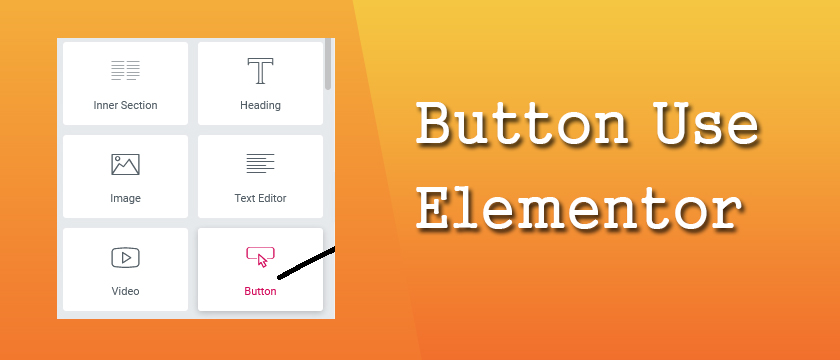
How to add Button Use Elementor ?
Answer.
The button widget in Elementor helps you easily design and customize buttons without need of any other plugin or shortcodes. Create a new page and edit with Elementor and then follow the steps .
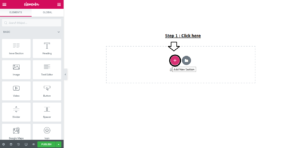
Step 1. Click on Drag plus sign (+) option .
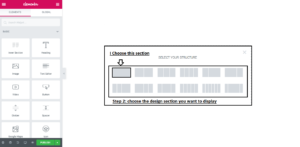
Step 2. Select your structure in which style you want this section to show in your website.
Step 3. Click on the plus (+) option .
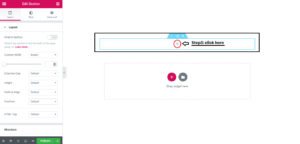
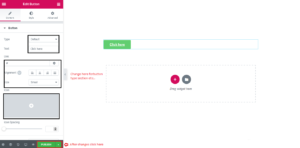
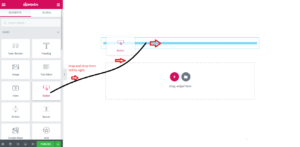
Step 4. Go to left side with mouse cursor and drag and drop the Button section to plus (+) option field and enter your Button type,text etc..
Step 5. Click on publish button .