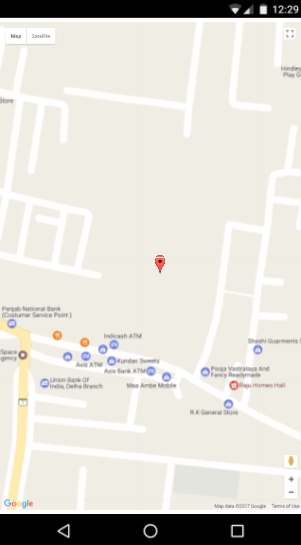
How we integrate Google Map into your Android App
In this blog we explain you how to integrate Google map to your Android app. Just follow these simple steps and add google map.
1.Create a new project. You know how to do this.
2.Now go to Google’s Developer Console → Google Map
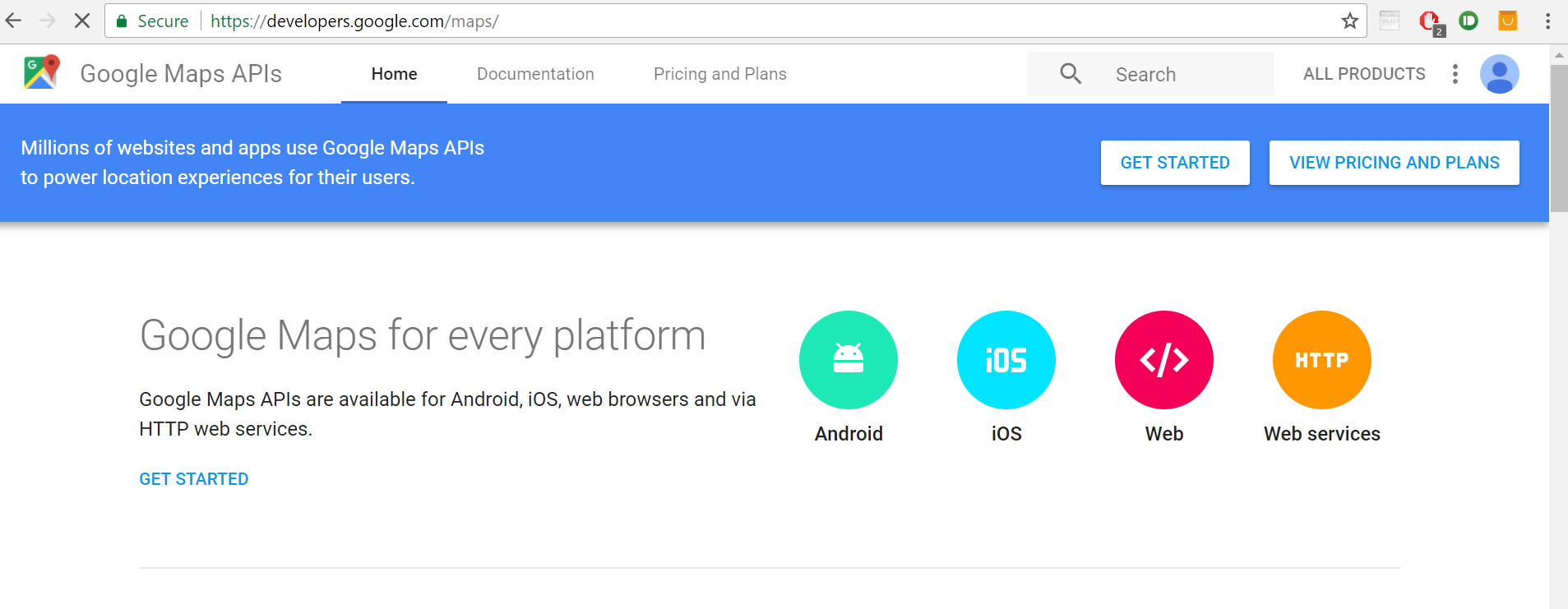
3.Scroll and Go down and click on Google Map Javascript API
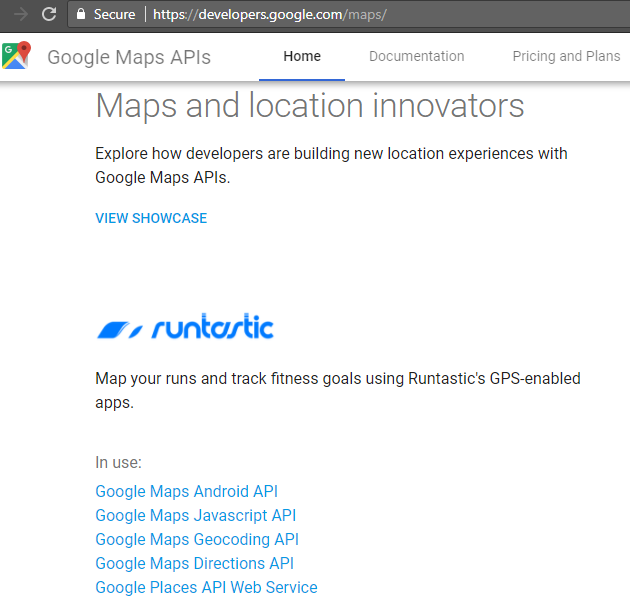
4.Click on GET A KEY button.
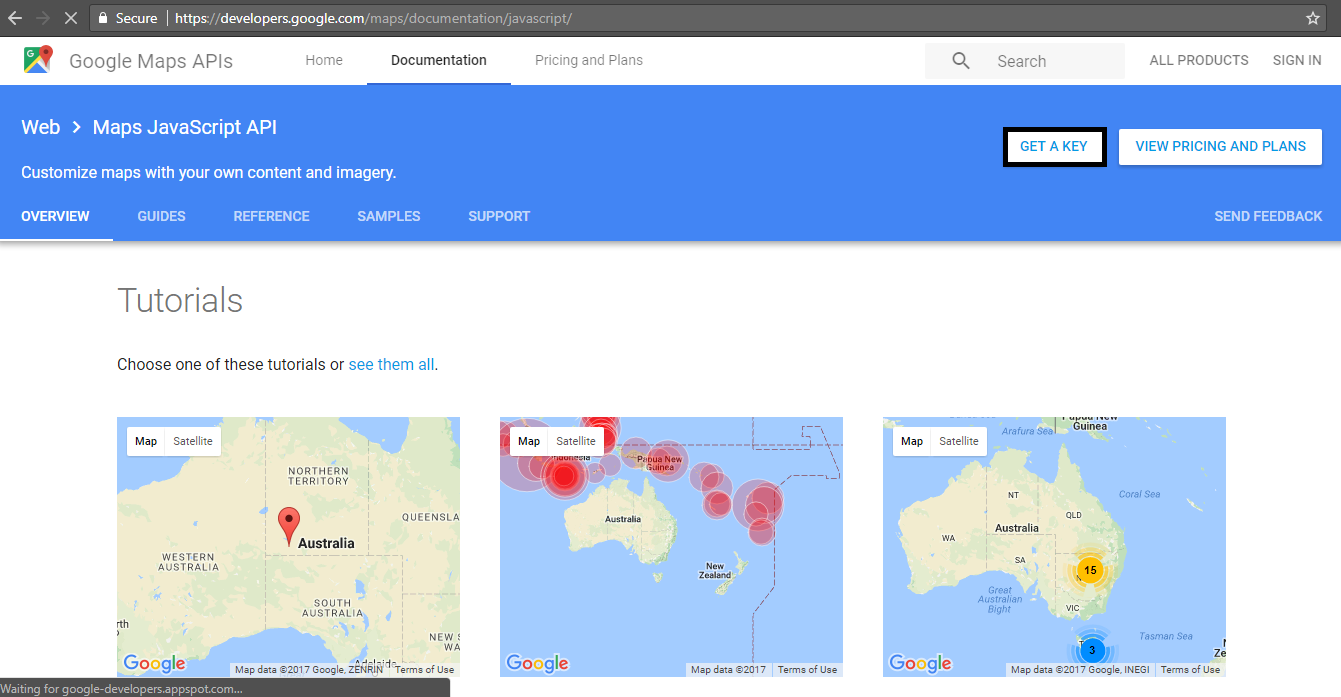
5.Now click on the Create Project and then name your project and enable API.
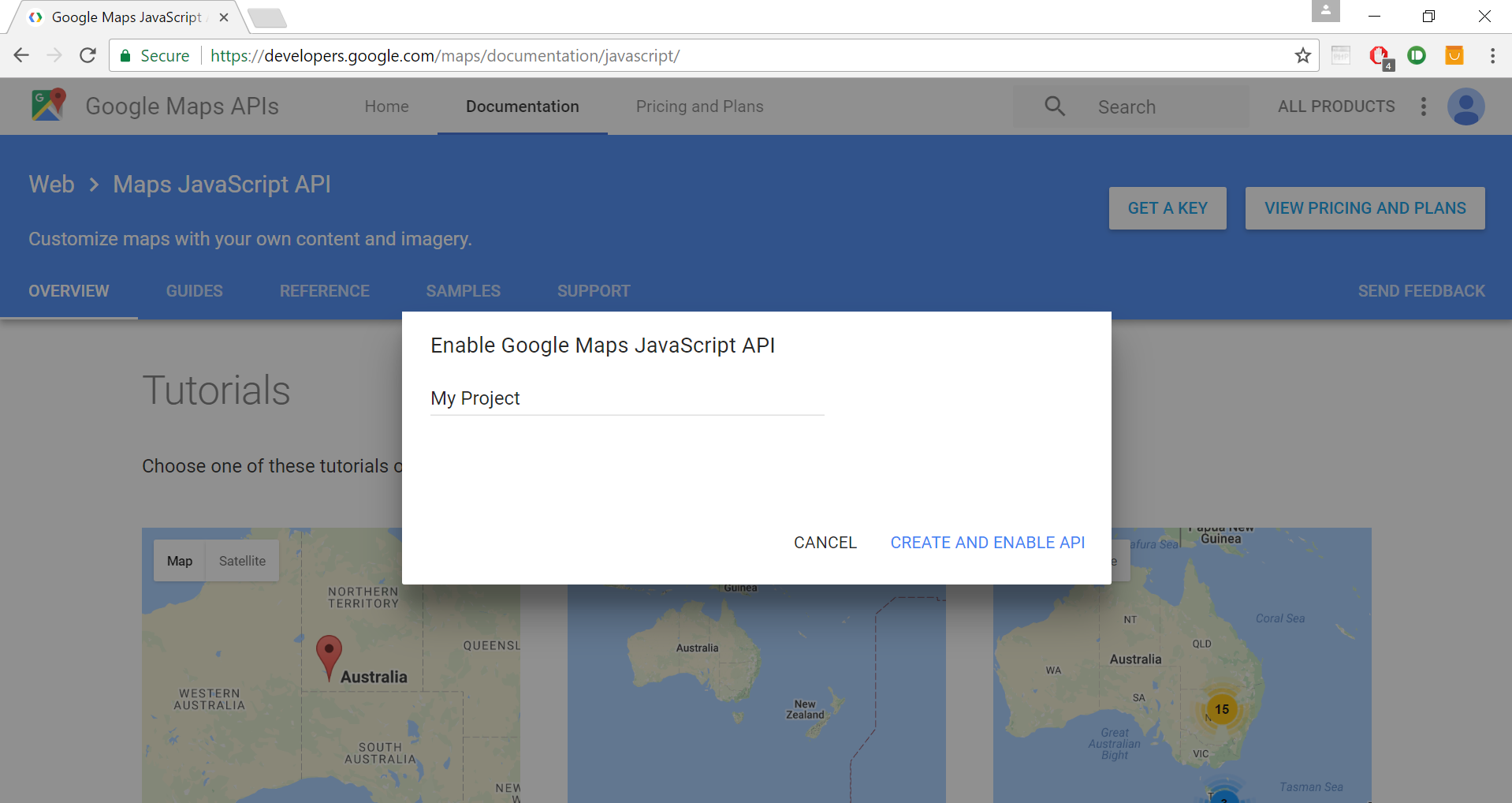
6.Copy that key to the clipboard.
7.Now it’s time for writing HTML, JS and CSS code.
We have to integrated the JS, CSS and the HTML code in a single file . If you want, you can break down this code into three separate files like .js, .css, .html.
index.html
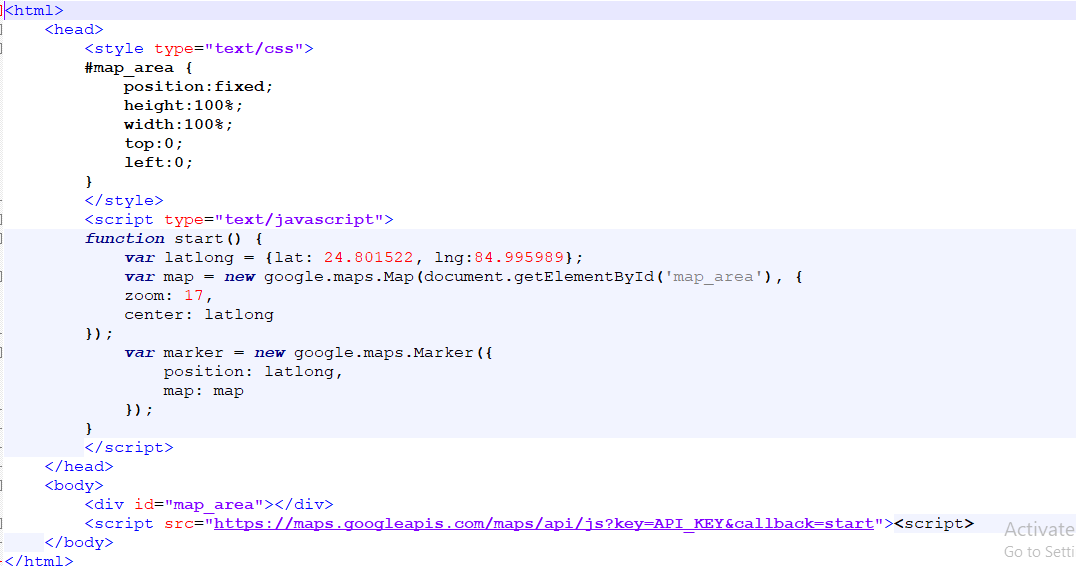
8.Place the above code in your index.html file, and put the file inside the www folder.
9.Pass the commands to generate the apk file.
10.Transfer this apk file to your phone or into the live server and test it.