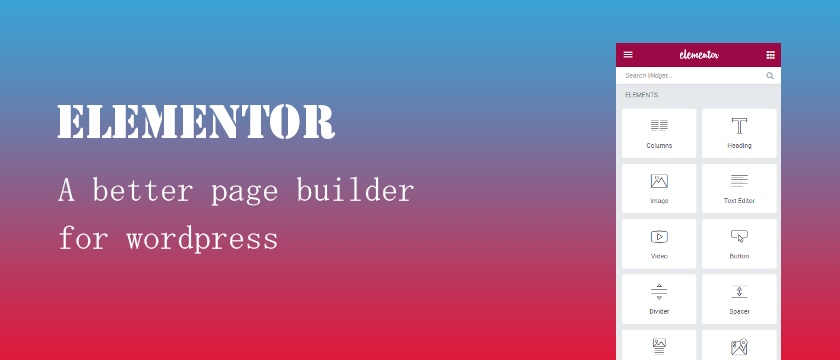
How to add Text Editor in Elementor ?
Answer. Easy to add text editor in elementor.
Elementor is one of the most renowned free themes available on the market. It provide you many editing option to design complete wordpress website through simple drag and drop maneuvers. Elementors v1.8.0 now supports inline text editing.
Elementor is an easy to use drag-and-drop page builder plugin for WordPress. Elementor replace the basic WordPress editor. WordPress comes with a basic editor plugin which can be complex for beginners. By the use of Elementor plug in you can easily create any content layout or page layout you can imagine — regardless of what your current WordPress theme allows you to do.
It works with all WordPress themes. In this elementor tutorial, We will completely explain you that how to add text editor in elementor.
For this you need the follow the steps –
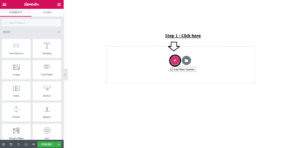
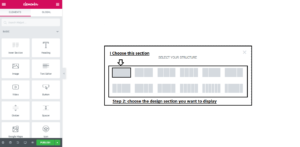
Step 2. Select your Structure in which style you want this section to show in your website .
Step 3. Click on + option .
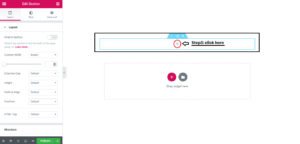
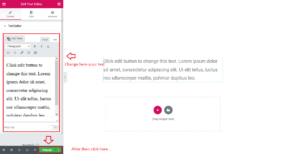
Step 4. Go to left side with mouse cursor and drag and drop the Text Editor section to + option field .

Step 5. Click on publish button .
 [/vc_column_text][/vc_column][/vc_row]