How to add Google Map in Elementor ?
Answer. The Google maps widget is a convenient way to embed google maps in your website. This is very crucial for contact pages, so your visitors can know where you are located. An Extended of Elementor Google Map Widget – Easily include various address pins onto a similar guide with help for various map types (Road Map/Satellite/Hybrid/Terrain) and custom map style. The main aim of Elementor is to help users design websites in the easiest fastest and most streamlined way.
We support Elementor’s aim through the development of Elementor add-ons that focus on beauty, subtle animations and visitor engagement. These simple steps created specifically for beginners that want to build their first WordPress website using Elementor plugin.
For add google map in your website, you need the follow the simple steps-
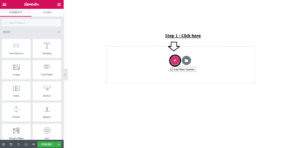
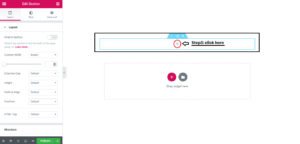
Step 1. Click on Drag plus (+) option to add google map in the plugin.
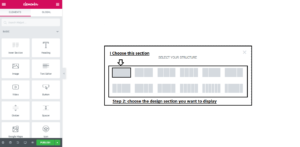
Step 2. After that select your Structure in which style you want this section to show in your website .
Step 3. Click on + option .
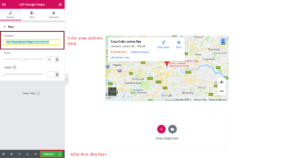
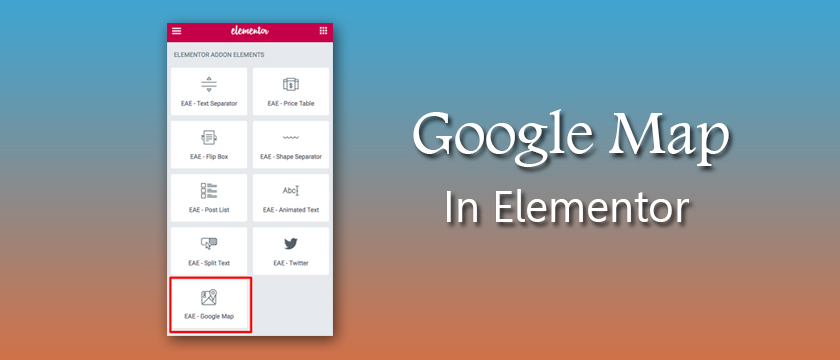
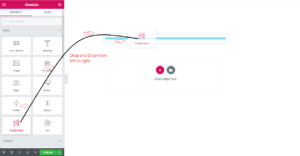
Step 4. Go to left side with mouse cursor and drag and drop the Google Map section to + option field .
Step 5. After that click on publish button .