How to create subdomain in cPanel
Answer. It is easy to create a subdomain in cPanel. First we will know that what is a subdomain. A subdomain is a domain that is part of a bigger domain, based upon a prefix name that you choose. For example – the abc.com domain might have a subdomain for the shop department that directs visitors to a separate area of the website.
If the subdomain prefix is shop, the the completely qualified domain name is shop.abc.com.As an InMotion Web Hosting client, you can make subdomains (independently from your main area) in the Subdomain in cPanel. Many folk use subdomains for mobile version of their site, discussions, blogs, and stores. They’re anything but difficult to make and we’ll walk you through how to set one up in this article.
Please follow the below steps :
1. First of all, login into your cPanel.
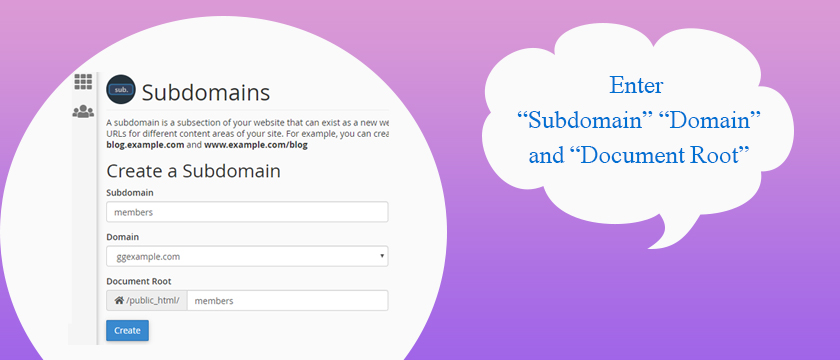
2.After that go to the domains section and click on Subdomains option.

3.Type the name of the subdomain and select the domain to create it under. It will automatically create a folder for the subdomain in your public_html folder.
A subdomain is a domain that is part of a larger domain; the only domain that is not also a subdomain is the root domain. Thus we say that a subdomain is a subsection of your site that can exist as a new site without a new domain name. For example, you can create a subdomain for website (about page) that ia accessible through about.example.com and www.example.com/about
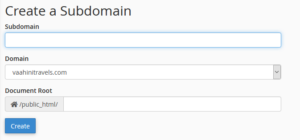
4.Click on the Create button.