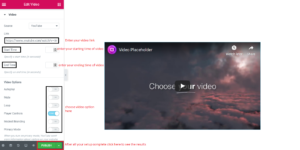
How to add video Use Elementor ?
Answer. Elementor is the best free WordPress Page Builder. Elementor is one of the most prominent, trusted WordPress builders on the market. As great as Elementor is, the included options for attach a video to your website utilizing the builder are limited. Many websites use this effect to show readers their product or service through the video.
Their live page builder enables you to alter a segment’s width and height, resize sections, change padding and margins, and drag and drop components/widgets onto your page while you see the changes visually in real-time.
Create a new page and edit with Elementor and then follow these simple steps.by the use of these simple steps you can easily add a video in your website, so just read carefully of these steps.
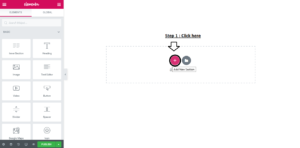
Step 1. The first step is , click on Drag plus (+) option .
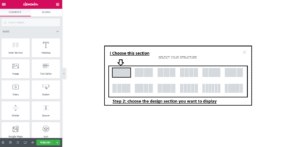
Step 2. After that select your structure in which style you want this section to show in your website.
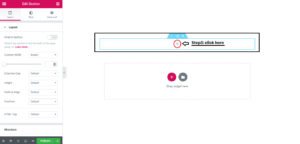
Step 3. Click on the plus (+) option .
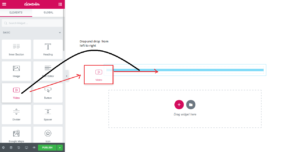
Step 4. After that go to the left side with mouse cursor and drag and drop the video section to plus (+) option field .
Step 5. After that the last step is, click on the publish button.