
How to add contact form 7 Shortcode in Elementor ?
Answer. Elementor plugin is the simplest and cleanest solution of the add contact form 7 Shortcode in the elementor. Contact form is a crucial element of any site. That’s why there are so many plugins for contact forms in the WordPress directory. Elementor plugin allows you to insert contact form 7 forms to the page. You can also also control it’s style.
For this first, you need to download WordPress “Contact From 7” plugin, after that follow these simple steps. These steps are created specifically for beginners that want to make their first WordPress website using Elementor. First of all, login to your WordPress dashboard and then click on the page option on the left and elementor plugin, then follow these steps.
Step 1. First of all you have to download Contact From 7 plugin .
Step 2. After that in the second step open page with Elementor.
Step 3. After that click on Drag plus (+) option .
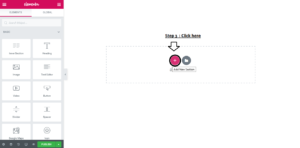
Step 4. Select your Structure in which style you want this section to show in your website .
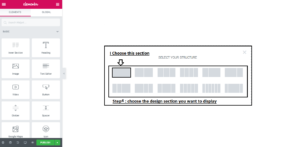
Step 5. Click on plus (+) option .
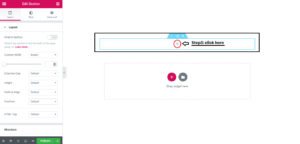
Step 6. Go to left side with mouse cursor and drag and drop the Shortcode section to plus (+) option field .
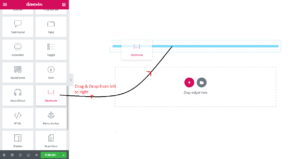
Step 7. Copy & Paste the Shortcode here .
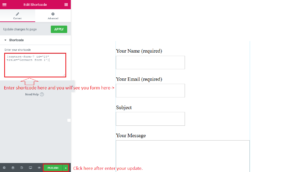
Step 8. Click on publish button .