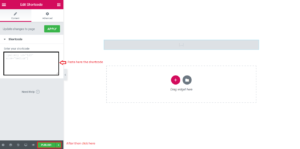
How to add Shortcode Use Elementor ?
Answer. In this blog we explain you how to add shortcode to any wordpress page utilizing the Elementor page builder. You can also add shortcodes with the regular text gadget, yet the shortcode widget is more powerful because you can see how the shortcode see like without going to preview mode.
Create a new page and edit with Elementor and then follow these simple steps .
Step 1. Click on Drag plus (+) option .

Step 2. After that select your structure in which style you want this section to show in your website.
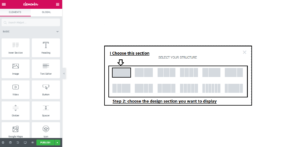
Step 3. After that click on the plus sign (+) option .
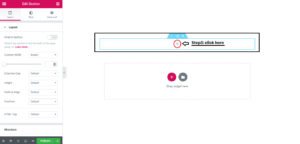
Step 4. Go to left side with mouse cursor and drag and drop the Shortcode section to + option field and enter your shortcode .

Step 5. Click on publish button .