Blog
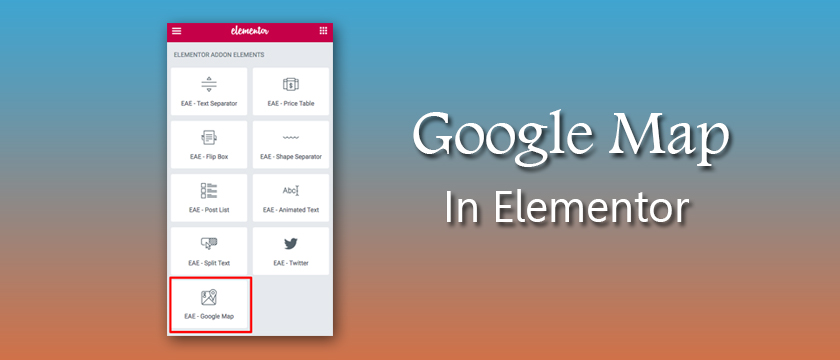
How to add Google Map in Elementor ?
Answer. The Google maps widget is a convenient way to embed google maps in your website. This is very crucial for contact pages, so your visitors can know where you are located. An Extended of Elementor Google Map Widget – Easily include various address pins onto a similar guide with help for various map types (Road Map/Satellite/Hybrid/Terrain) and custom map style. The main aim of Elementor is to help users design websites in the easiest fastest and most streamlined way.
We support Elementor’s aim through the development of Elementor add-ons that focus on beauty, subtle animations and visitor engagement. These simple steps created specifically for beginners that want to build their first WordPress website using Elementor plugin.
For add google map in your website, you need the follow the simple steps-
How to add contact form 7 Shortcode in Elementor ?
Answer. Elementor plugin is the simplest and cleanest solution of the add contact form 7 Shortcode in the elementor. Contact form is a crucial element of any site. That’s why there are so many plugins for contact forms in the WordPress directory. Elementor plugin allows you to insert contact form 7 forms to the page. You can also also control it’s style.
For this first, you need to download WordPress “Contact From 7” plugin, after that follow these simple steps. These steps are created specifically for beginners that want to make their first WordPress website using Elementor. First of all, login to your WordPress dashboard and then click on the page option on the left and elementor plugin, then follow these steps.
Read More
about How to add contact form 7 Shortcode in Elementor ?

How to Removed Hacked Links ?
Answer. If your website is hacked then one question would come in your mind that how to remove hacked links? Hacked links means a hacker has made new pages on your website, regularly including spammy/malicious words or links. This is very harmful because it means that your site has been infected long enough for the hackers to do damage. not to worry about that , here we will explain you that how to remove hacked links from your website. Please follow these simple steps to remove hacked links from your website:
Step 1. Go to google search engine and search with the domain name like “site:example.com” (replace example.com with your website name) .
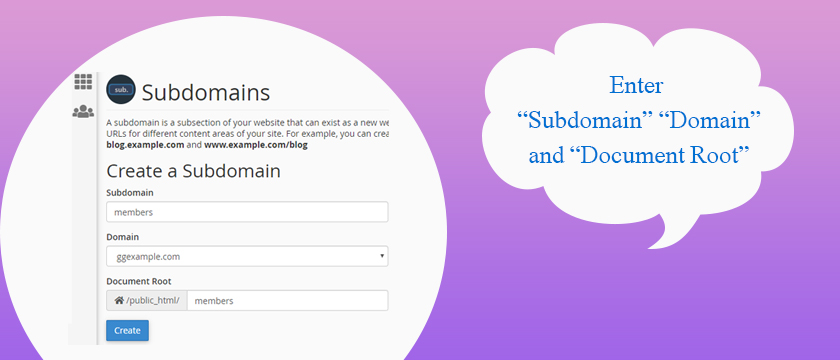
How to create subdomain in cPanel
Answer. It is easy to create a subdomain in cPanel. First we will know that what is a subdomain. A subdomain is a domain that is part of a bigger domain, based upon a prefix name that you choose. For example – the abc.com domain might have a subdomain for the shop department that directs visitors to a separate area of the website.
If the subdomain prefix is shop, the the completely qualified domain name is shop.abc.com.As an InMotion Web Hosting client, you can make subdomains (independently from your main area) in the Subdomain in cPanel. Many folk use subdomains for mobile version of their site, discussions, blogs, and stores. They’re anything but difficult to make and we’ll walk you through how to set one up in this article.
Please follow the below steps :